Territory Settings
Territory Processing. The territories processing field enables and disables territories processing on the org. This must be enabled before any territory classification occurs. Default State/Zip/Posta…
This feature is available on the Advanced & Unlimited Tiers. Learn more
Territory Processing
The territories processing field enables and disables territories processing on the org. This must be enabled before any territory classification occurs.
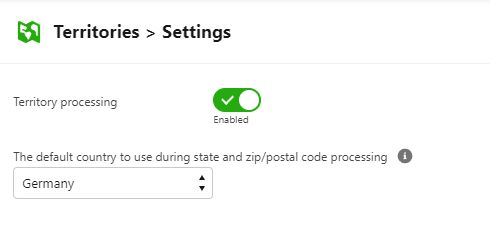
Default State/Zip/Postal Processing
When processing records with no country data, the selected country will be used as the default for resolving State, ZIP and postal codes. If no default is selected, processing will occur in this order: USA, Canada, UK, France, Germany then Australia.
How did we do?
Detecting Territories
Territories - Technical Details