Integrating InsideSales.com power dialer
You can integrate Distribution Engine and InsideSales.com PowerDialer very easily. In the most common setup Distribution Engine will be responsible for filtering and allocating Leads fairly from your…
You can integrate Distribution Engine and InsideSales.com PowerDialer very easily. In the most common setup Distribution Engine will be responsible for filtering and allocating Leads fairly from your various sources among your reps. The Leads will appear in each rep's "My Leads" view. InsideSales.com PowerDialer can then use this list and provide the calling functionality for the rep's daily activities.
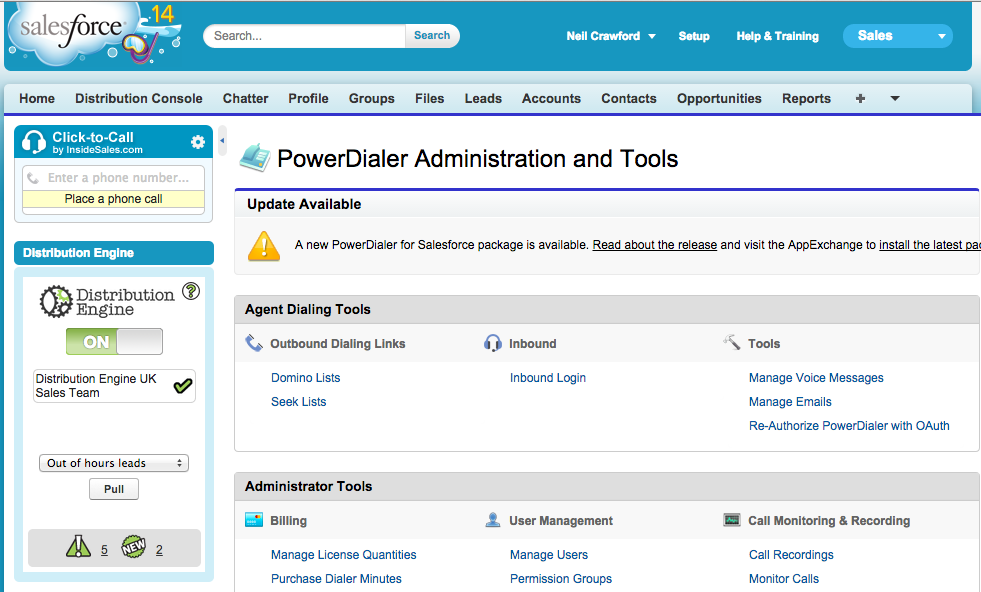
Setting up Distribution Engine
Distribution Engine is setup as standard. The engine will use round robin or other algorithms to distribute Leads fairly among the team. The Leads will be allocated to the reps and show in their "My Leads" view.
Setting up InsideSales.com PowerDialer
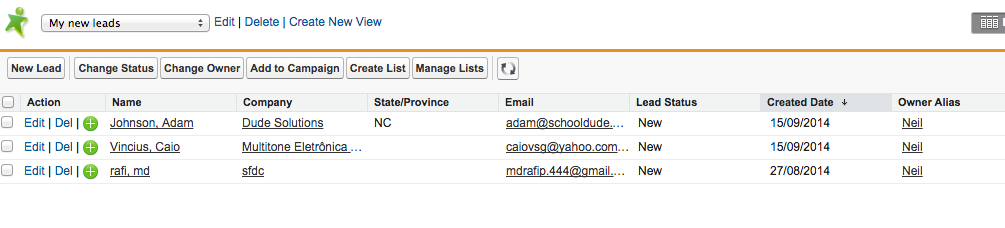
The PowerDialer is setup following the standard setup guide. In order to start calling Leads assigned by Distrbution Engine the rep will perform the steps below:
- Go to their My Leads view
- Click Create List
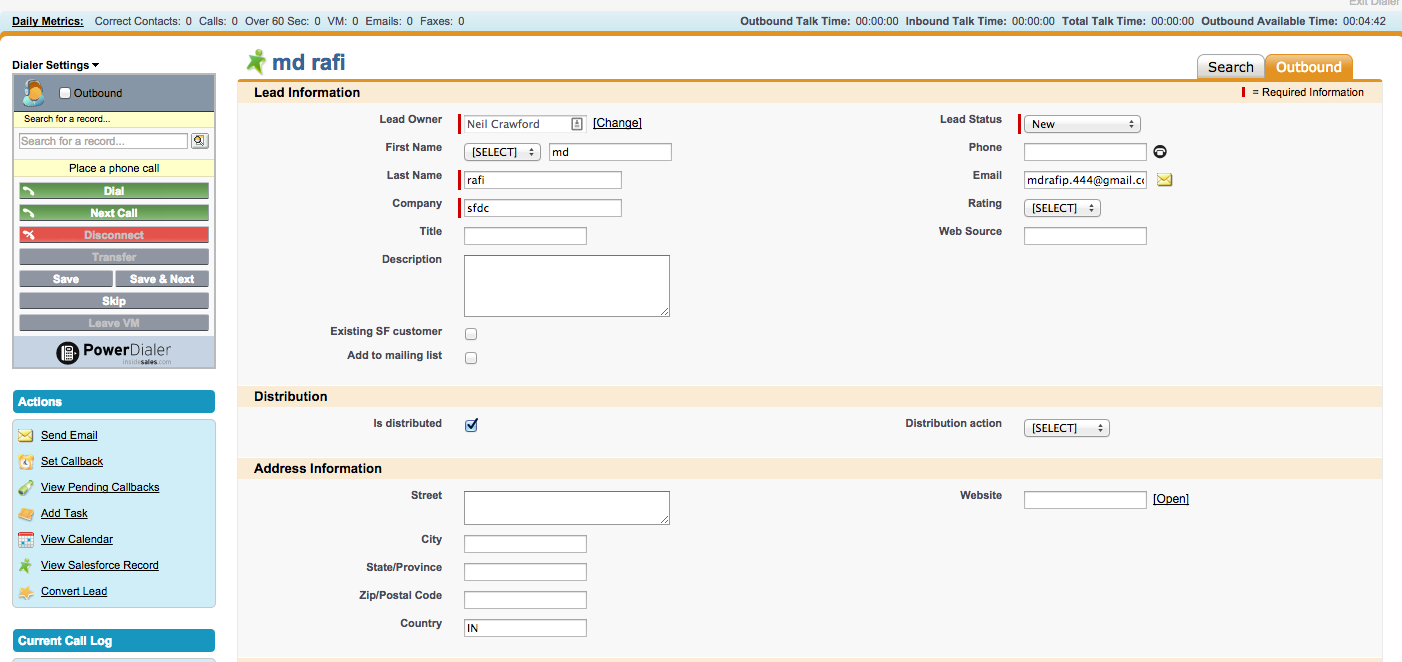
This adds the Leads to the PowerDialer and they can begin calling.
How did we do?
Q2Q teams
Pardot