Customising Branding
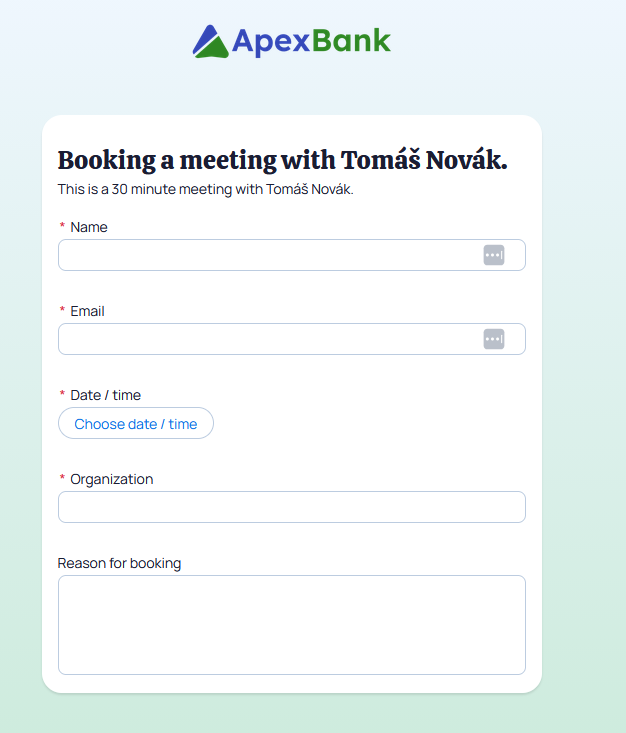
In order to ensure that any externally faces pages such as Book With me pages and Guest Cancel & Reschedule represent your brand, a user with the Booking Admin permission set can choose to add a logo…

In order to ensure that any externally faces pages such as Book With me pages and Guest Cancel & Reschedule represent your brand, a user with the Booking Admin permission set can choose to add a logo to these pages.
Uploading a logo
Users with the Booking Admin permission set are able to change the branding settings on an org.
To change the logo, navigate to the Booking Settings tab and then to the External Services page from the left hand navigation and find the 'Add your logo' heading.

To upload an image, click the Upload Files button or drag your file into the dotted area.
Uploaded logos will appear on all Book With Me and Shared Availability pages as well as any pages used for guest cancellation and rescheduling.
How did we do?
Web Forms - Adding Booking Engine to your form
Reminders